💭 Collaborative Learning with AI
Many students today use AI tools like ChatGPT on their own, but several platforms are now introducing collaborative features designed for group projects. These shared spaces enable students to co-create knowledge hubs while promoting transparency and communication with both teachers and classmates. Tools like Boodlebox and Perplexity are leading this shift, and in today's edition, we'll explore how AI collaboration could reshape the educational landscape.
Here is an overview of today’s newsletter:
Exploration of Perplexity’s new feature “Spaces” for education
Insights from a Berkley student’s perspective on AI in college
Comparison survey of AI literacy across Asian and African countries
The issue of AI detectors wrongly accusing students of cheating
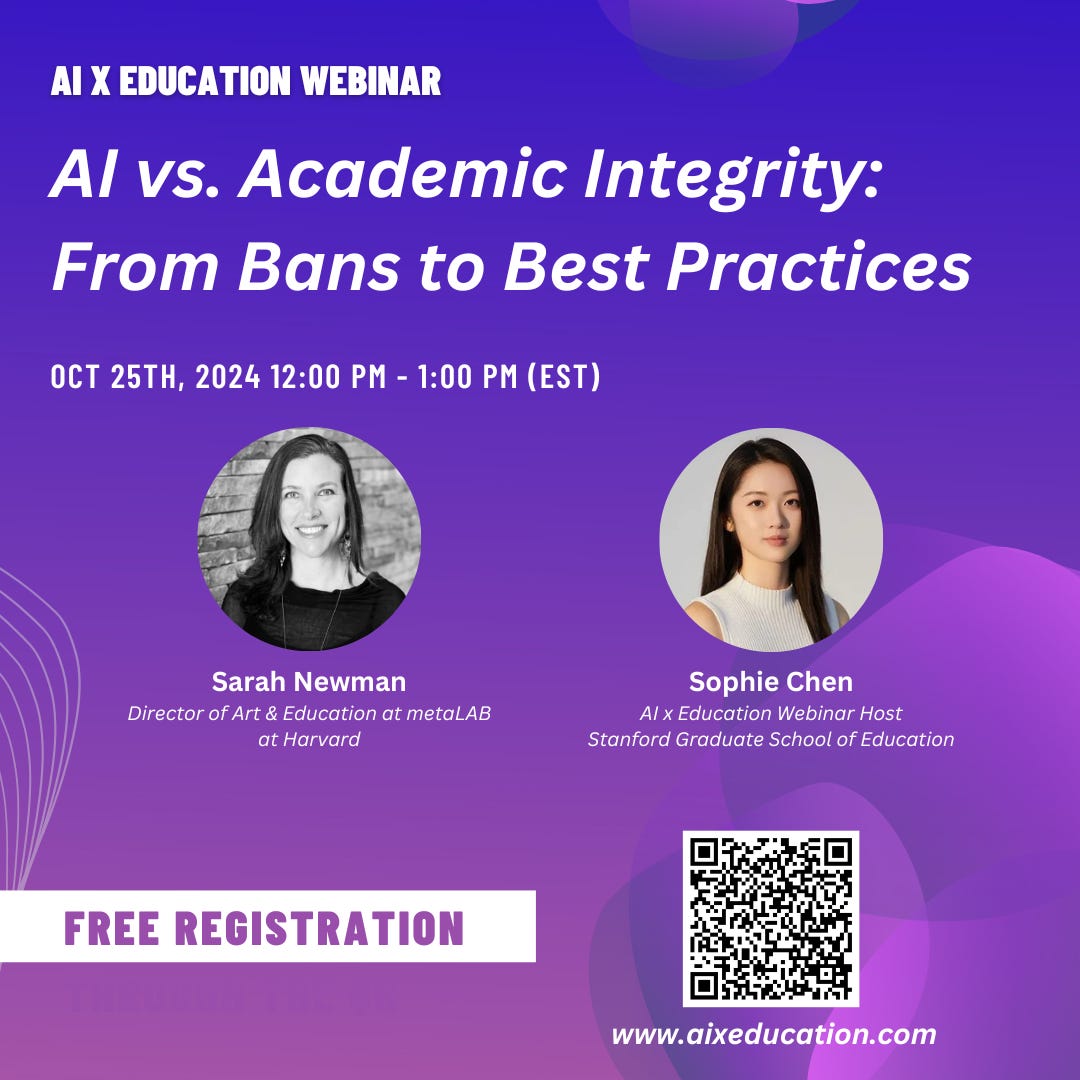
Join us on 10/25 for our next webinar in the AI x Education Webinar Series, where we will feature Sarah Newman, Director of Art & Education at metaLAB at Harvard. As generative AI becomes increasingly accessible, it undeniably influences how students approach assignments and learning. Should schools and universities ban AI from the classroom, embrace it as a powerful learning tool, or find a balance between the two? With students already leveraging AI creatively, this webinar will explore how institutions can balance innovation and academic integrity.
Sarah Newman will share best practices for creating AI course policies, drawing from her experiences workshopping ideas with students at Harvard and engaging with educators across the US and internationally. Attendees will gain concrete strategies and policy templates and a deeper understanding of how to craft AI guidelines that foster ethical use while enhancing learning, curiosity, and criticality.
Whether you're an educator, administrator, or institutional leader, this session will equip you with the tools to thoughtfully and responsibly engage with AI. Register now for free through this link!
🚀 Practical AI Usage and Policies
Perplexity recently released “Spaces”, which are AI-powered collaboration hubs that allow students to collaborate with others and search through their own class/project files in addition to the internet. After setting up the Space, students can invite collaborators such as classmates or teachers, connect internal files, and customize the AI assistant by choosing their preferred AI model and setting specific instructions for how it should respond.
Ways to Use Perplexity Spaces
Create a Knowledge Hub for Your Class
Students can import course documents, notes, and syllabi in one place to draw information from.
Ask Questions from Your Class Material
You can ask specific questions from your materials and retrieve the
This excerpt is provided for preview purposes. Full article content is available on the original publication.